The Creative Studio
for AI Video

3 ways to use Keyframe

Canvas

Maximum control: Map out your entire production with precise control on the Keyframe Canvas.
Quickstart

Maximum Speed: Describe your idea and Keyframe Agent plans out the entire production for you.
Templates

Maximum consistency: Use a proven workflow and repeat it without rebuilding the system.

01 / Professional workspace

Build anything.

A professional node-based workspace for AI filmmaking. Connect ideas, references, prompts, models and shots into one controllable production.

T Prompt
TPrompt
A grounded cinematic scene at golden hour. Restrained camera, natural movement.
Image Asset
Image Asset
Primary visual reference. Preserve silhouette, materials and identifying details.
Character
Character
Reusable five-view reference sheet for continuity.
Image Generator
GPT Image 216:92kmedium
Generate a controlled character reference.
Neutral pose, consistent wardrobe and natural skin. Preserve face and proportions across every view.
Video Generator
Seedance 21516:9720pAudio on
1   AUDIO: Natural ambience and synced sound design.
2   STYLE: grounded cinema, deliberate camera, soft contrast...
A grounded cinematic opening.
@character enters frame as the subject catches warm directional light. Maintain continuity from the reference image.
Scene Audio
Scene Audio
Generate dialogue, ambience, music and effects for the scene.
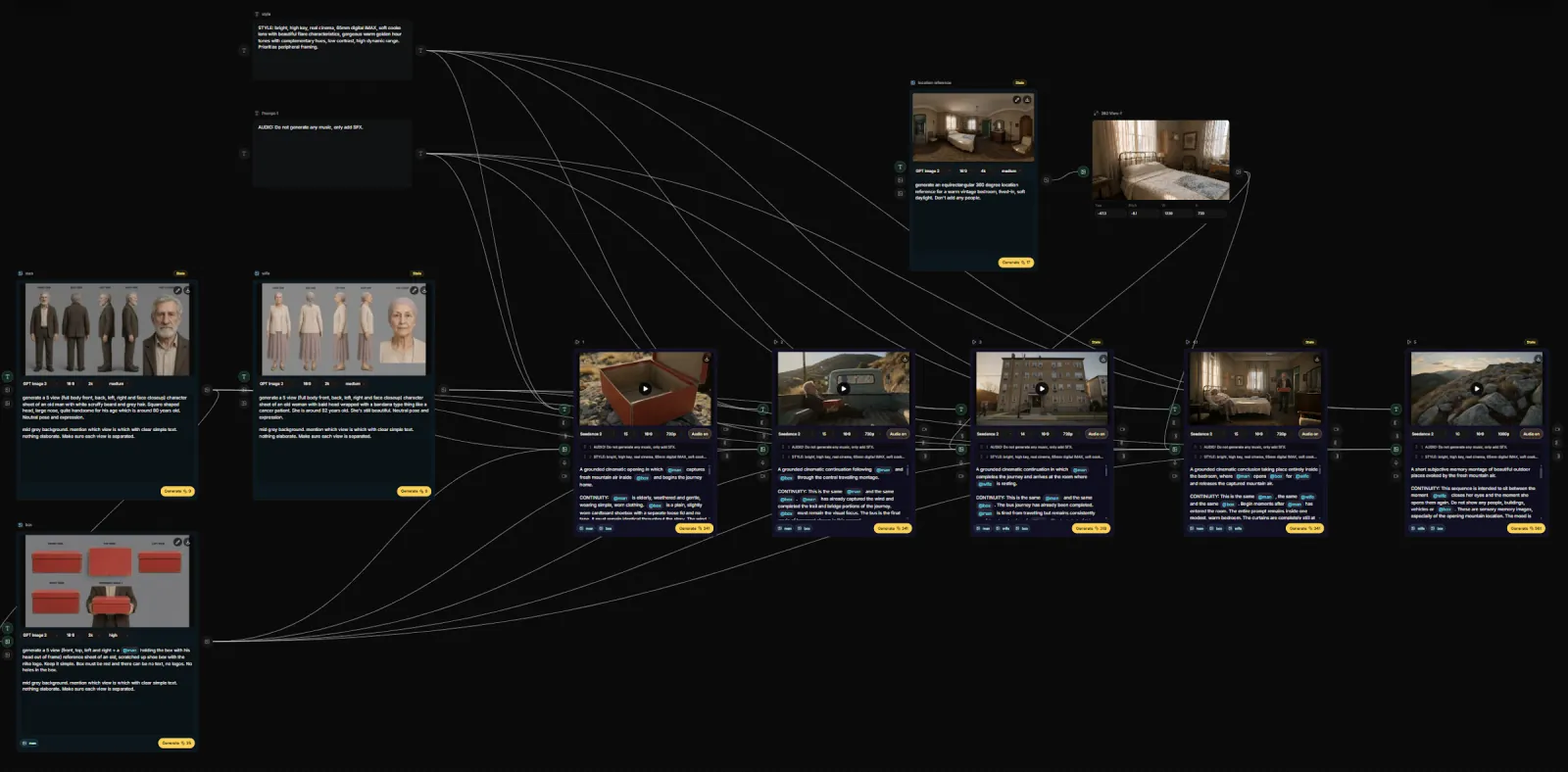
A simplified site-native view of the real Canvas workflow
Branch, don’t overwrite.

Explore alternatives without destroying the path that got you there.

Bring the whole production into view.

Characters, references, prompts and generations stay connected instead of scattered across tools.

Use the models you want.

Canvas is the filmmaking layer. The underlying generation tools become interchangeable parts.

02 / Automated filmmaking

Script in. Film out.

INT. APARTMENT — NIGHT

A woman sits alone at a kitchen table. A half-finished cup of coffee. Rain on the glass.

Her phone lights up.

She reads the message, looks toward the window, and smiles for the first time.

WOMAN
Okay. One more time.

Quickstart takes the production logic Canvas exposes and handles it for you.

01

Understand the script.

Break the story into characters, locations, scenes and shots.

02

Build the film.

Create the visual plan, generate the material and keep continuity intact.

03

Finish it.

Assemble the best takes into a complete film — without making you operate the graph.

03 / Community workflows

Start with what works.

Community-created workflows turn sophisticated filmmaking systems into a few simple inputs.

From Story to Finished Film

Keyframe turns filmmaking into a connected production system.

01

Create characters.

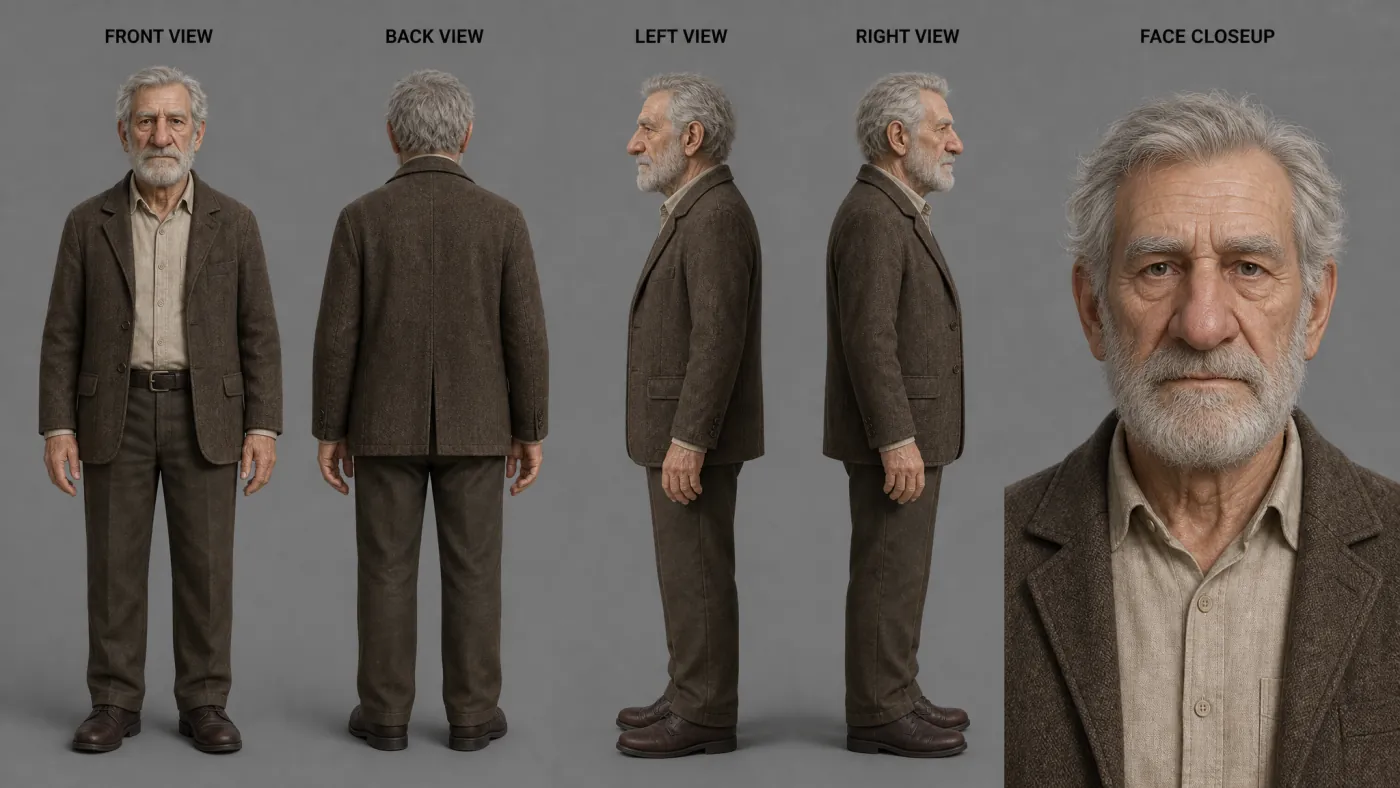
Start from text and define the people in your film. Character generation locks identity, wardrobe and overall presence so the same people can carry cleanly through every shot.

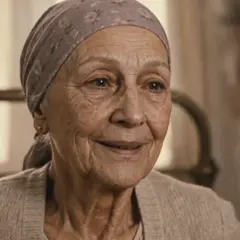
Elderly male lead, silver hair, weathered but dignified.
Multi-view reference sheet for the elderly male character
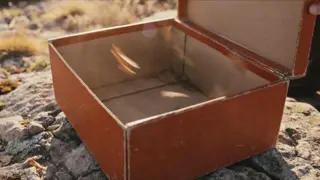
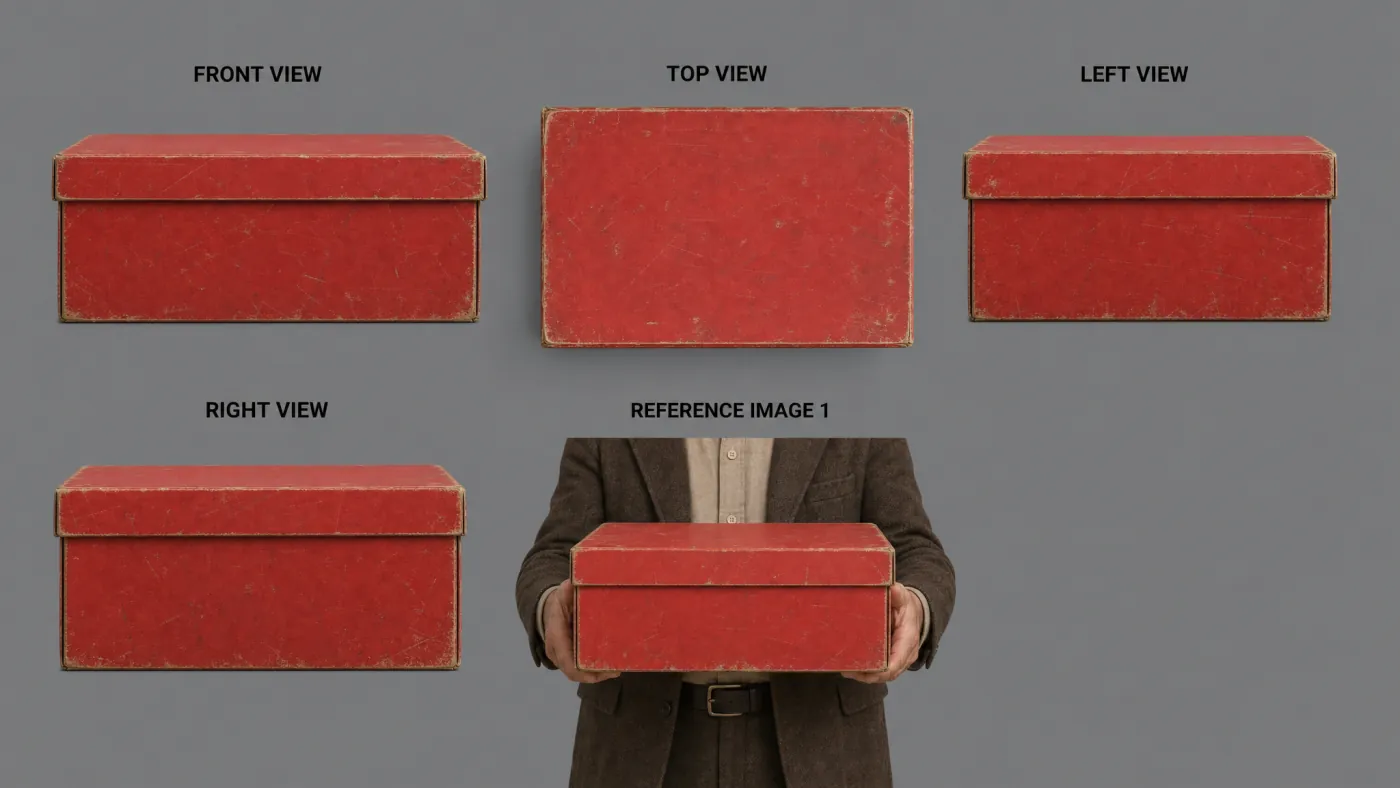
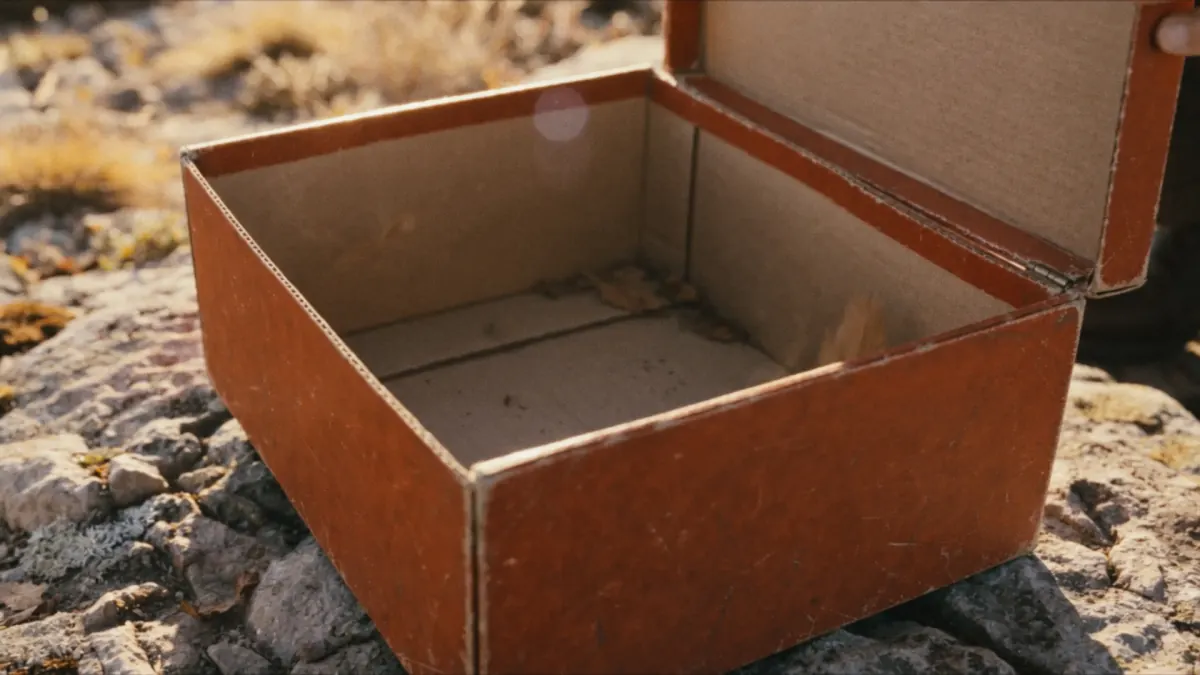
Multi-view reference sheet for the red box prop
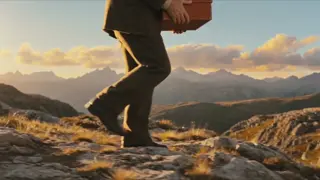
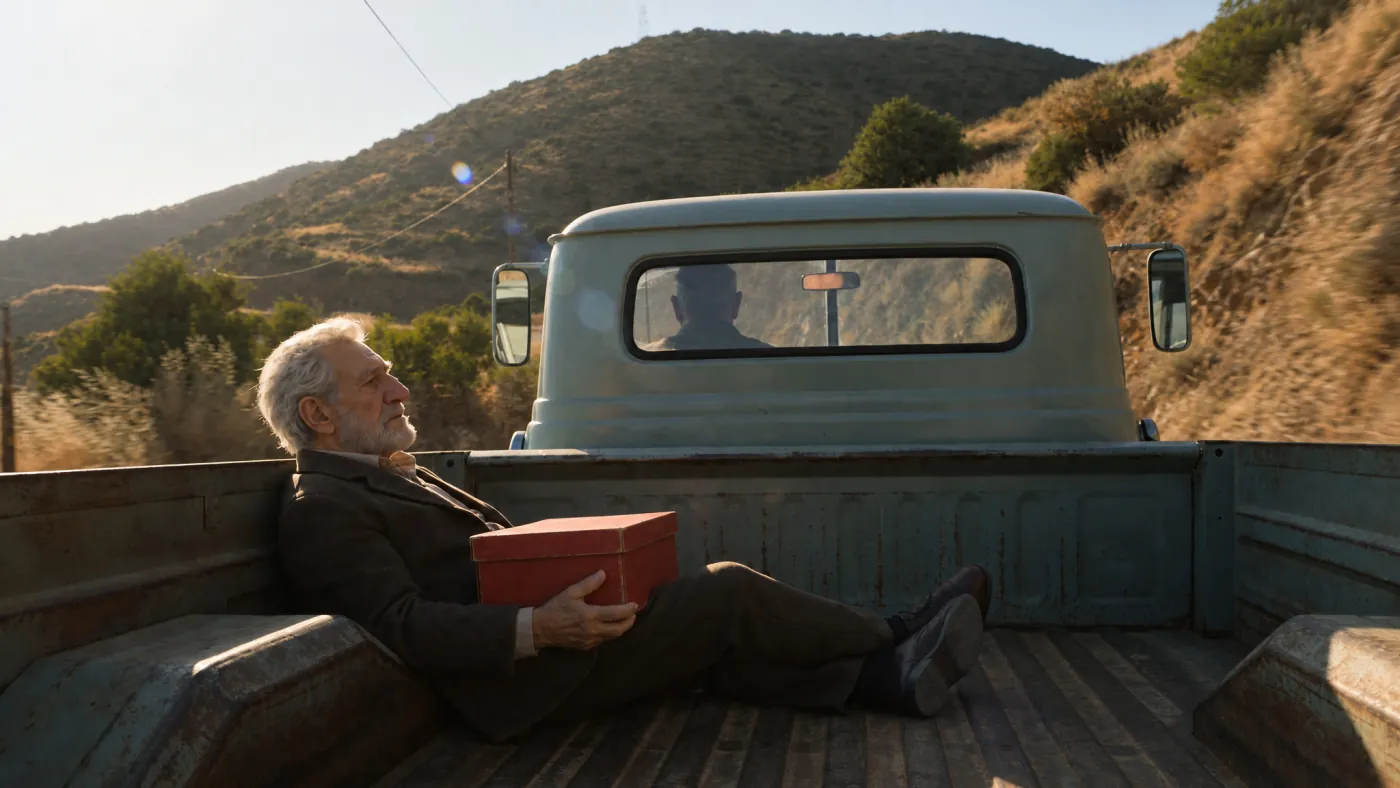
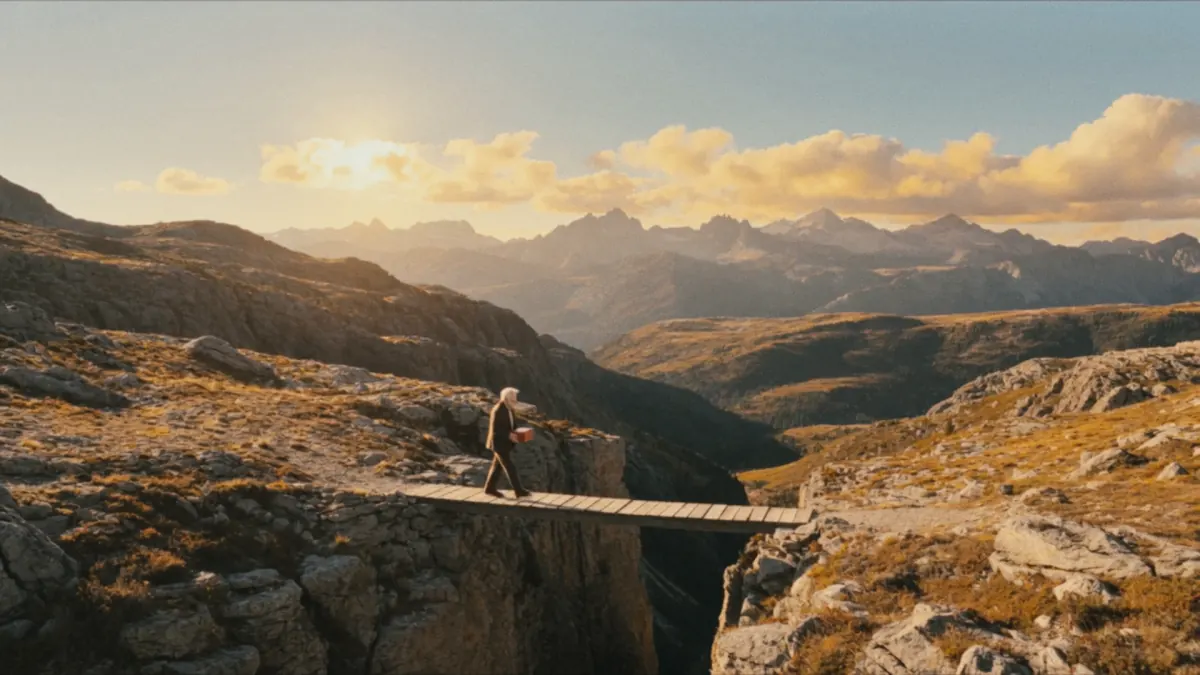
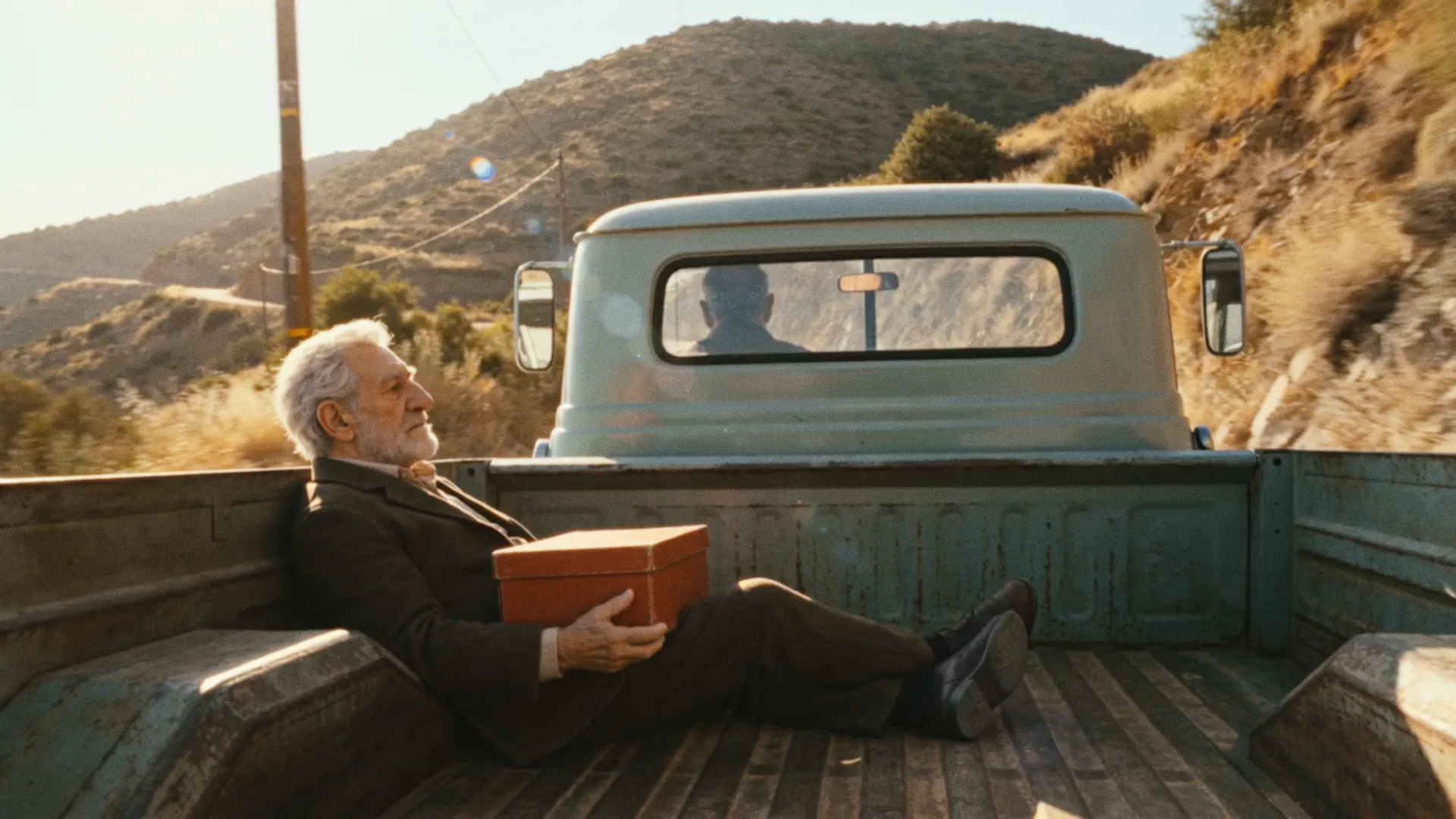
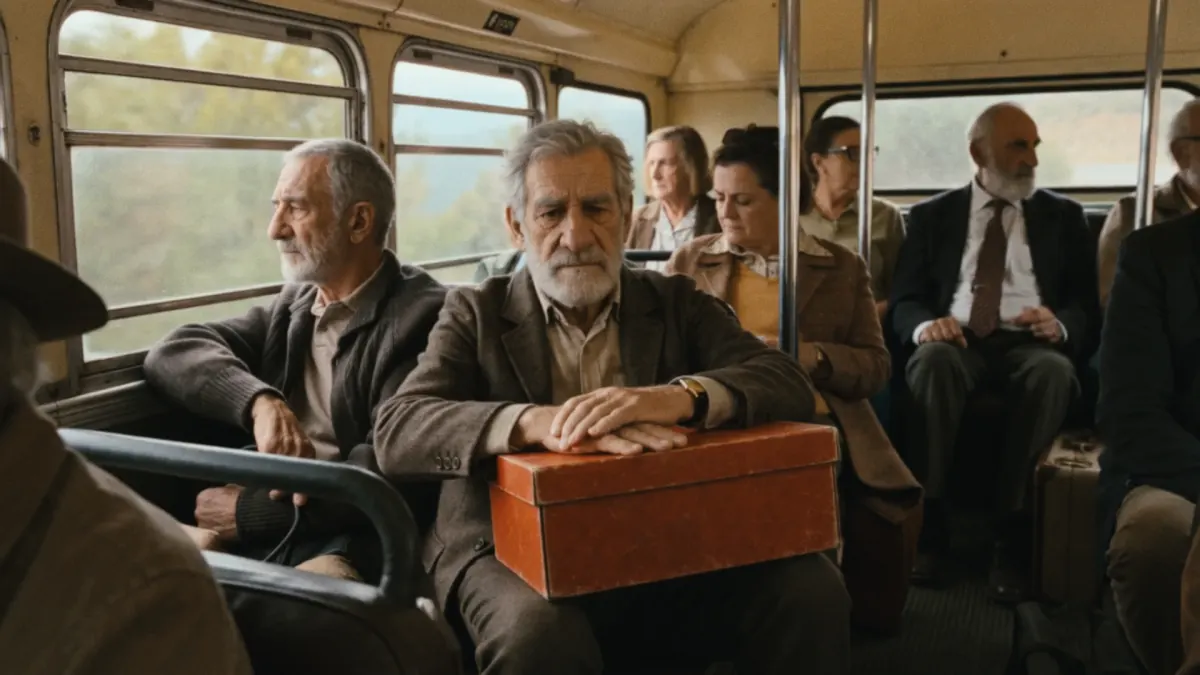
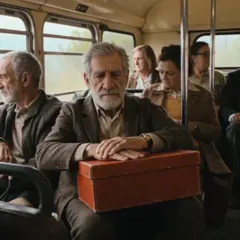
Elderly male character travelling with a red box
02

Build locations.

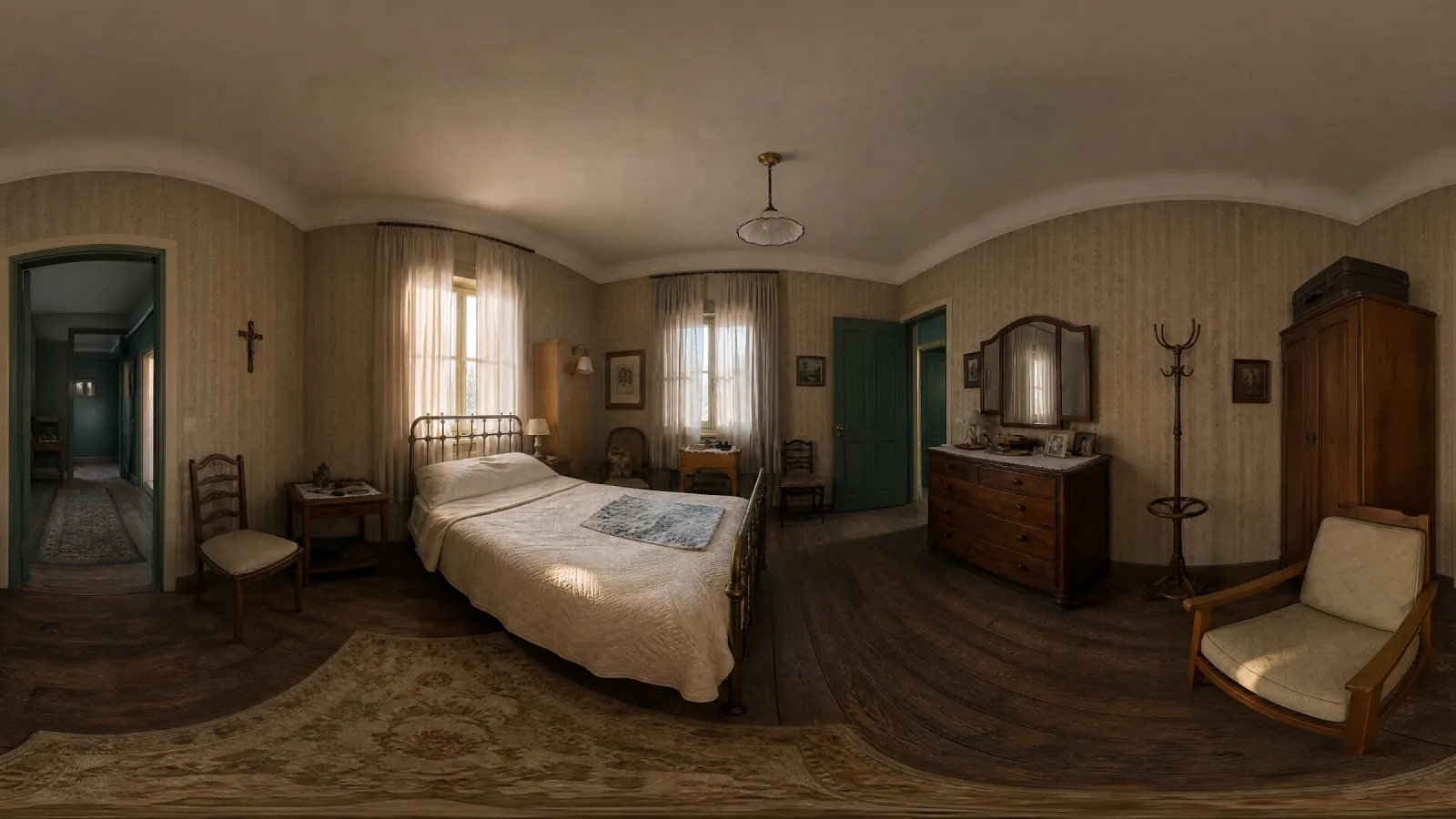
Generate a 360 location reference, then turn that space into a usable set. The room becomes a repeatable world you can revisit for coverage, continuity and scene design.

Warm vintage bedroom, lived-in, soft daylight.
Panoramic bedroom location reference
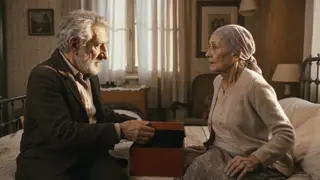
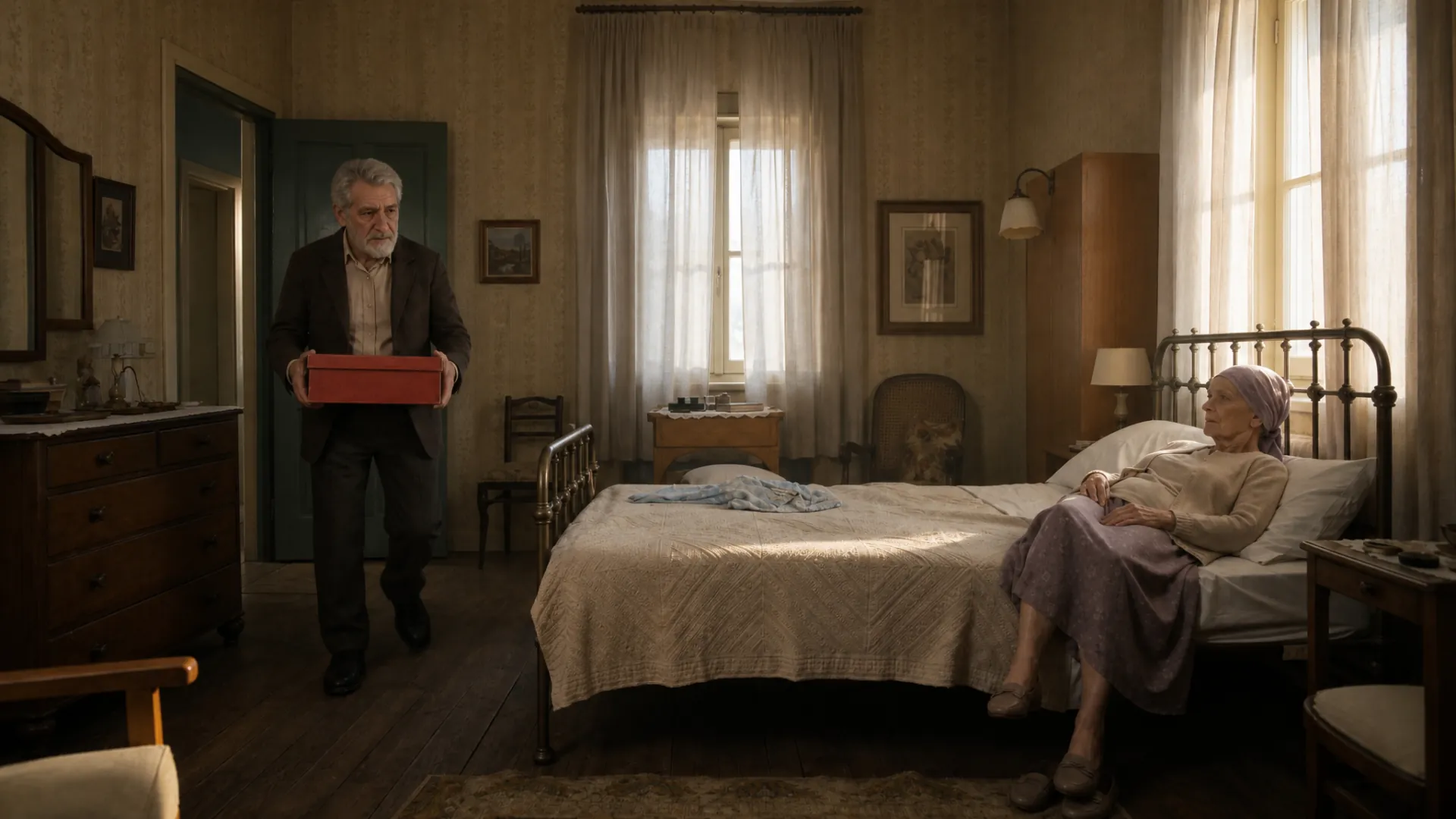
Finished scene staged inside the same bedroom location
03

Generate shots.

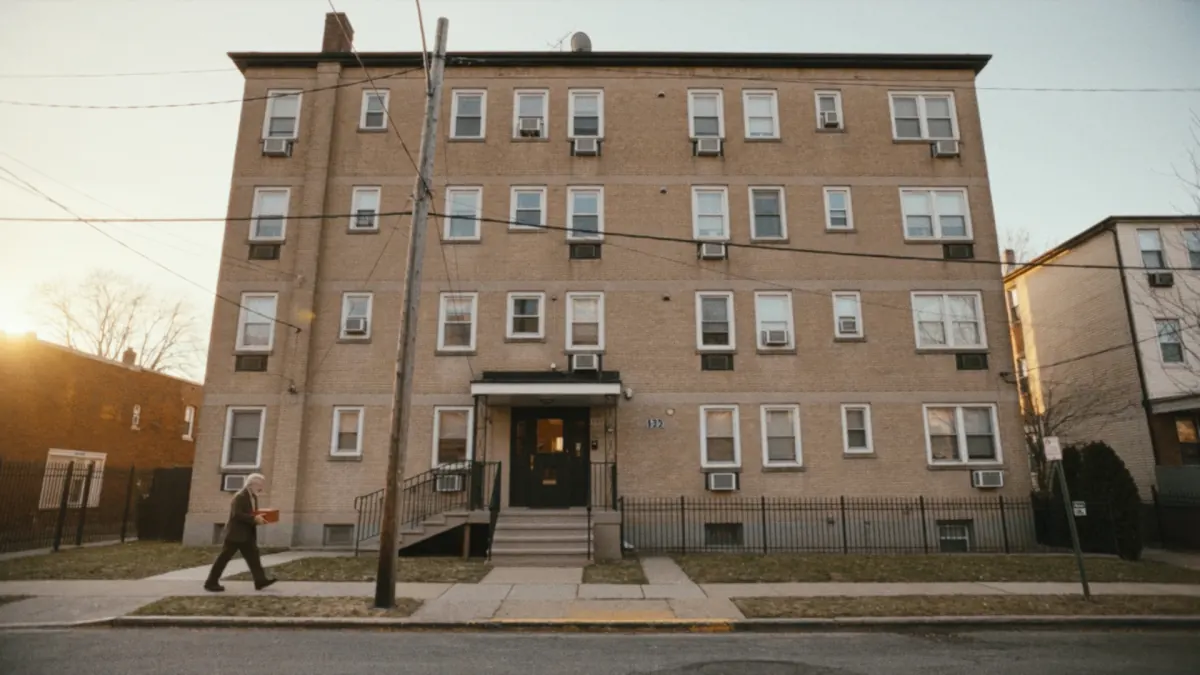
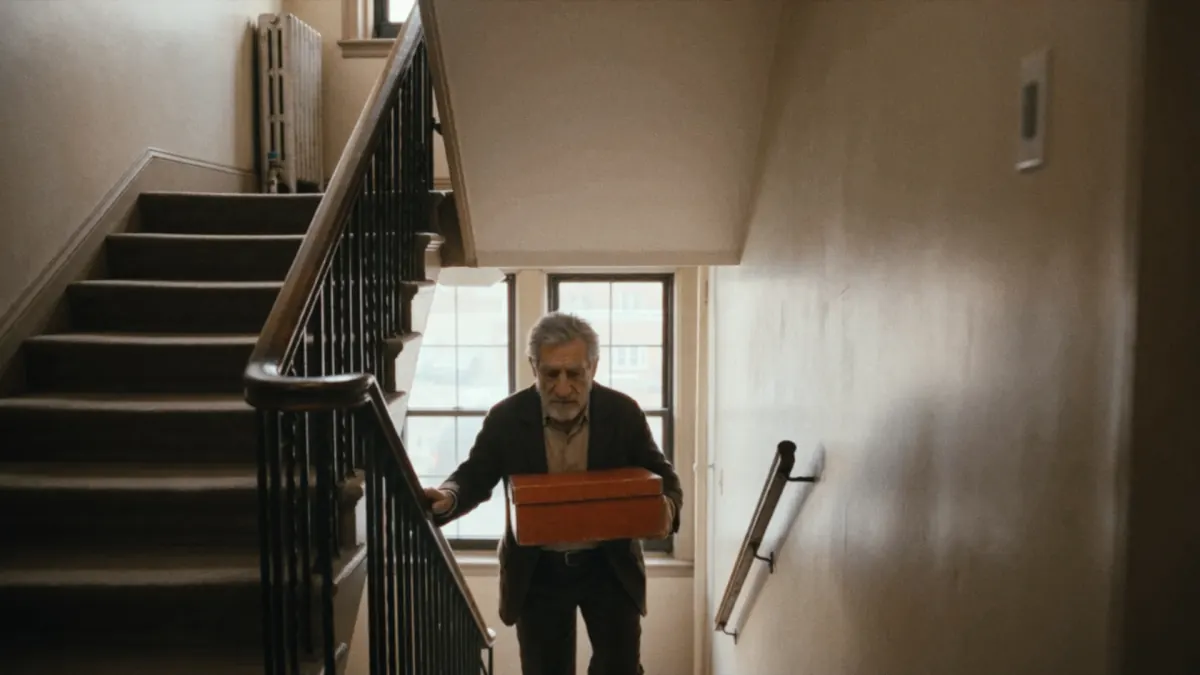
Characters and locations come together inside the film graph. Build the scene, preserve continuity and explore multiple moments without starting over.

Because every step stays connected, a change upstream can flow through the rest of the film instead of breaking the process.

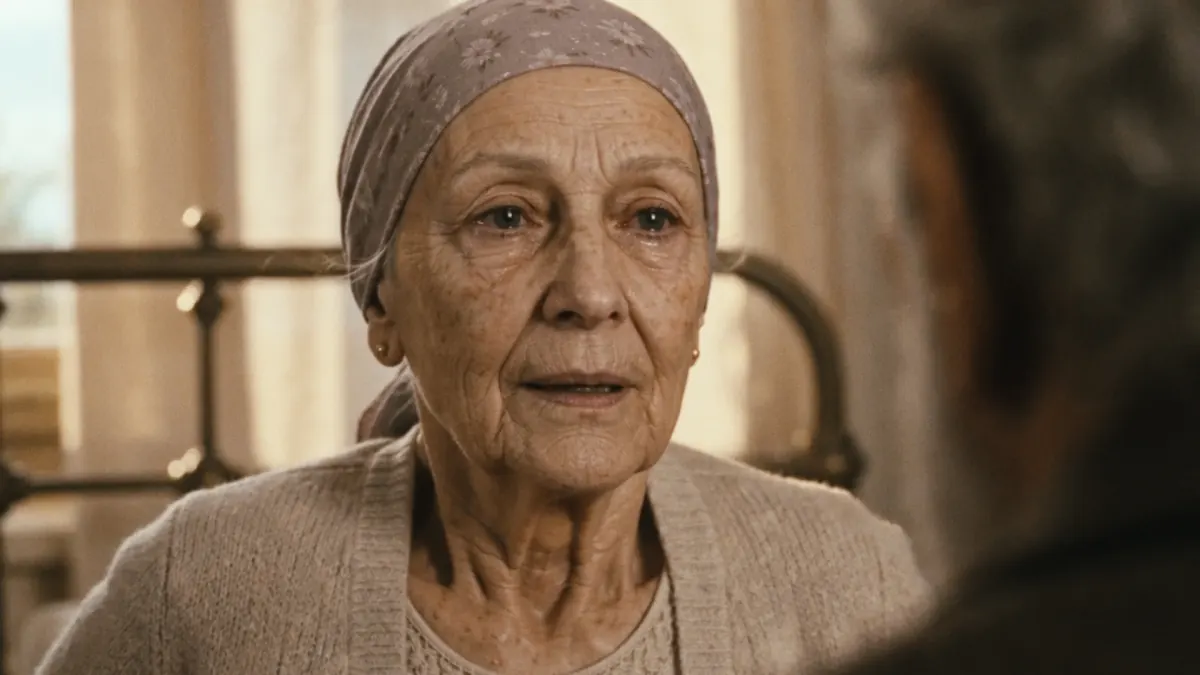
Generated film still 1
Generated film still 2
Generated film still 3
Generated film still 4
Generated film still 5
Generated film still 6
Generated film still 7
04

Assemble the film.

Canvas is the control layer that keeps the production visible. Characters, locations, shots and outputs stay in one connected workspace all the way to the finished film.

Overview of the connected Keyframe Canvas workflow

The only limit isyour imagination

Try Keyframe