
Keyframe Fashion Studio
Turn your products into fashion films.
Import your product photos from a link or upload your own. Choose a model. Make your next campaign film.
7-day free trial · Plans from $59/month after trial
Card required for trial. No signup needed to explore.
The photos. The model. The film.
See what goes into the film.
These are the actual source photos behind this example. In Studio, bring your product and choose the model you want to feature.
Loading real input-to-film examples...
Actual source images
Create this filmInside Fashion Studio
Your next campaign.
Three simple steps.
Start with a style you love. Your product and model make it yours.
- 01 / YOUR PRODUCT
Product linkyourstore.com/products/your-lookor upload photosYour product photos
Bring your product.
Paste a product link to find photos, or upload the images you already have.
- 02 / YOUR MODEL
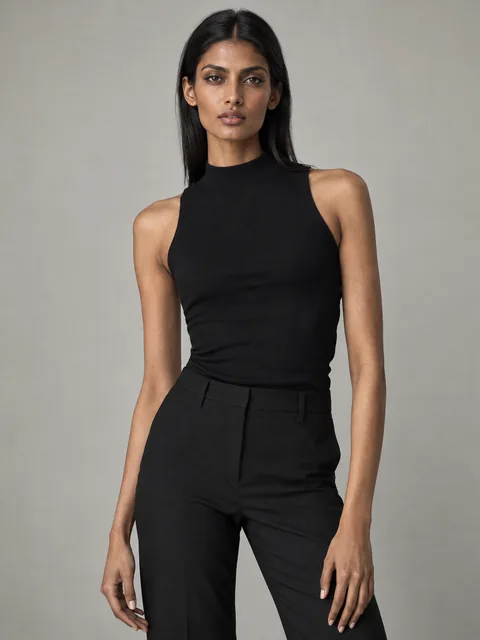
Original model · Studio collection · Your photo
Leela 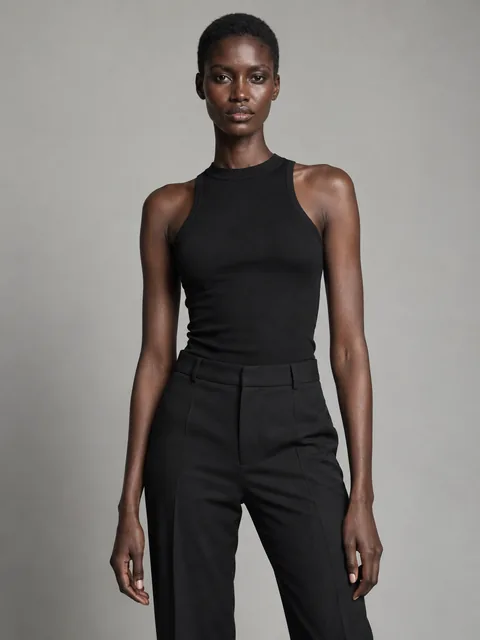
Amara 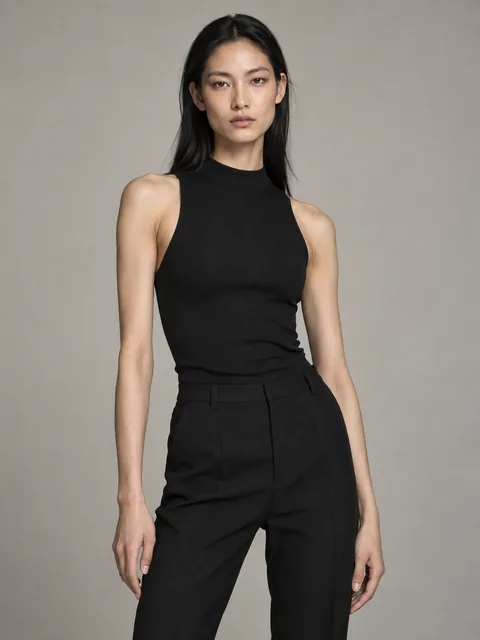
Mei Choose your model.
Keep the example model, pick from our collection, or upload your own photo.
- 03 / YOUR FILM
Your film setup Review your inputs and credit costGenerate your film
Make it your campaign.
Review your setup, choose a plan and generate. Download your film when it’s ready.
Workflow illustrated above. Set up your product and model in Studio before signing up.
Included in Fashion Studio
One subscription.
More film styles.
Street style today. An editorial tomorrow. Use your plan’s credits across every Studio style. Credit cost varies by film.
Loading Fashion Studio styles…
A studio for your next collection
Your next campaign
starts here.
All Fashion Studio styles.
A credit allowance that grows with your plan.
From $59/month
After your trial. Billed monthly.
Choose your film styleCard required. Cancel before your trial ends to avoid being charged. Applicable taxes shown at checkout.
Your trial includes seven days’ share of your plan’s monthly credits. Full monthly credits begin with your first successful payment.
Good to know
Before your first film.
A few things you might be wondering.
What photos do I need?
For Fashion Studio, start with a clear outfit or handbag photo. Import photos from a product page or upload JPG, PNG or WebP files. If a store’s link cannot be imported, upload your photos instead. You can use the template’s original model without uploading a model photo.
Can I choose my own model?
Yes. Keep the model from the example film, choose from the Studio’s AI model collection, or upload a photo you have permission to use. The example film shows the original cast; your generated film uses your selected inputs.
How many films can I make?
It depends on your plan and the styles you choose. The plan page shows separate trial and monthly film estimates for your selected style. Different styles and reruns use different amounts of credits, so the allowance is shared rather than a fixed number of films.
When will I be charged?
The seven-day trial requires a card, with nothing due today. Unless you cancel before it ends, your chosen subscription starts automatically. Monthly plans start at $59/month. You can also skip the trial and pay immediately for your full monthly allowance. The checkout shows your billing schedule and applicable taxes.
Can I use the other Studio styles?
Yes. Every Fashion Studio plan gives access to the Studio styles shown here, using the same credit balance. Choose “Explore all styles” above to see the full Studio collection.
How do I cancel my trial?
As the workspace owner, open Account → Credits → Manage billing and cancel in the billing portal before the trial ends. Unused trial credits expire after seven days. Closing the page does not cancel your subscription.
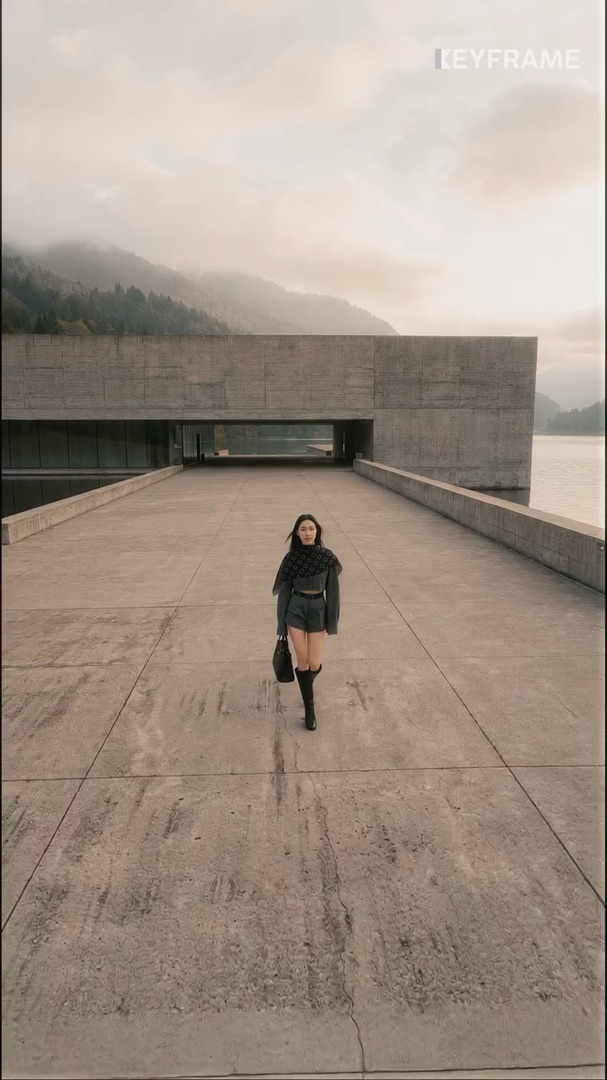
Your product. Your model. Your next campaign.
Your next film starts here.
Choose a style. Bring your product. See what you can create.
Choose your film style